How to Manage WiFi Using Router Mobile Apps
In today’s digital world, WiFi has become an essential part of everyday life. From working remotely and online learning to streaming movies and controlling smart home devices, a stable and well-managed WiFi network is crucial. Traditionally, managing a home WiFi network required logging into a router’s web interface using a computer, which could be confusing for many users. Fortunately, modern routers now come with dedicated mobile apps that make WiFi management easier, faster, and more accessible than ever.
This article explains what router mobile apps are, why they are useful, and how you can use them to manage your WiFi network efficiently. Whether you are a beginner or a more experienced user, learning to manage WiFi through mobile apps can significantly improve your internet experience.
What Are Router Mobile Apps?
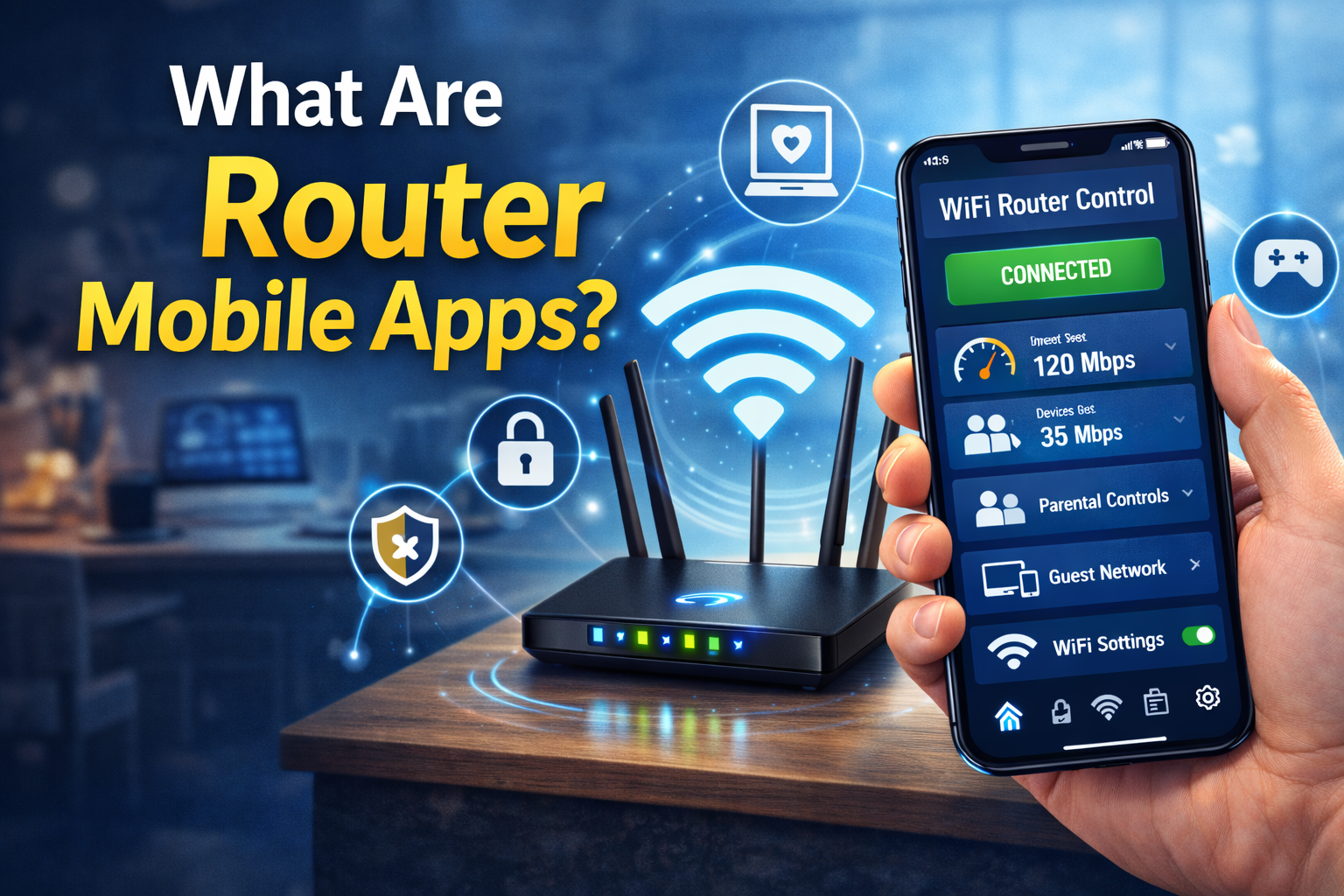
Router mobile apps are official applications developed by router manufacturers that allow users to control and manage their WiFi networks directly from a smartphone or tablet. These apps are available for both Android and iOS devices and are designed to simplify router management.
Popular examples include:
- TP-Link Tether
- ASUS Router App
- Netgear Nighthawk
- Google Home (for Google Nest WiFi)
- Linksys Smart WiFi
Using these apps, users can monitor network activity, change settings, control connected devices, and troubleshoot problems without needing advanced technical knowledge.
Why Use Router Mobile Apps to Manage WiFi?
Managing WiFi through a router mobile app offers many advantages compared to traditional browser-based methods.
Convenience and Accessibility
Router mobile apps allow you to manage your WiFi anytime and anywhere. As long as you have internet access, you can control your network from your phone without needing a computer.
User-Friendly Interface
Most router apps feature clean, easy-to-understand dashboards with visual icons and simple menus. This makes them ideal for users who are not comfortable with complex networking terms.
Real-Time Monitoring
Mobile apps provide real-time information about connected devices, internet speed, and network usage. This helps you quickly identify issues such as slow speeds or unauthorized connections.
Enhanced Security
Many router apps include built-in security features like device blocking, guest networks, and alerts for suspicious activity.
Getting Started: Setting Up a Router Mobile App
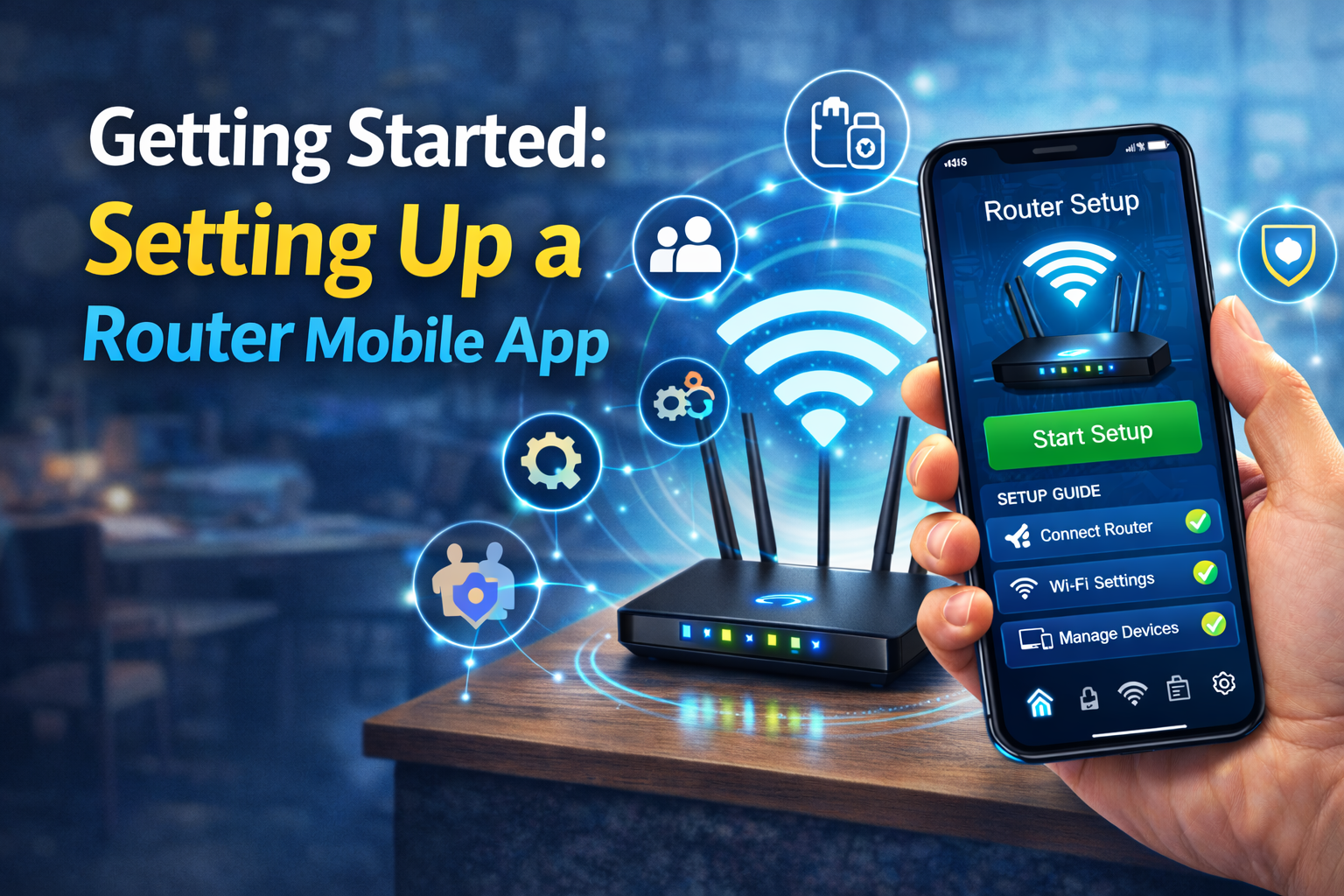
Before you can manage your WiFi using a router app, you need to set it up properly.
Step 1: Download the App
Search for your router brand’s official app in the Google Play Store or Apple App Store. Make sure to download the correct app to avoid fake or third-party applications.
Step 2: Connect to Your Router
Connect your smartphone to your WiFi network. Open the app and follow the on-screen instructions to detect your router automatically.
Step 3: Log In or Create an Account
You may be asked to log in using your router admin credentials or create a cloud account. Cloud accounts allow remote management even when you are not at home.
Step 4: Complete Initial Setup
Some apps guide you through basic setup steps, such as naming your WiFi network (SSID), setting a password, and updating firmware.
Managing Connected Devices
One of the most useful features of router mobile apps is the ability to manage connected devices easily.
Viewing Connected Devices
The app displays a list of all devices currently connected to your WiFi, such as smartphones, laptops, smart TVs, and IoT devices.
Identifying Unknown Devices
If you notice unfamiliar devices, you can investigate them immediately. This helps prevent unauthorized access and improves network security.
Blocking or Pausing Devices
Most apps allow you to block or pause internet access for specific devices with a single tap. This feature is especially useful for parental control or stopping bandwidth-heavy devices.
Controlling WiFi Speed and Bandwidth
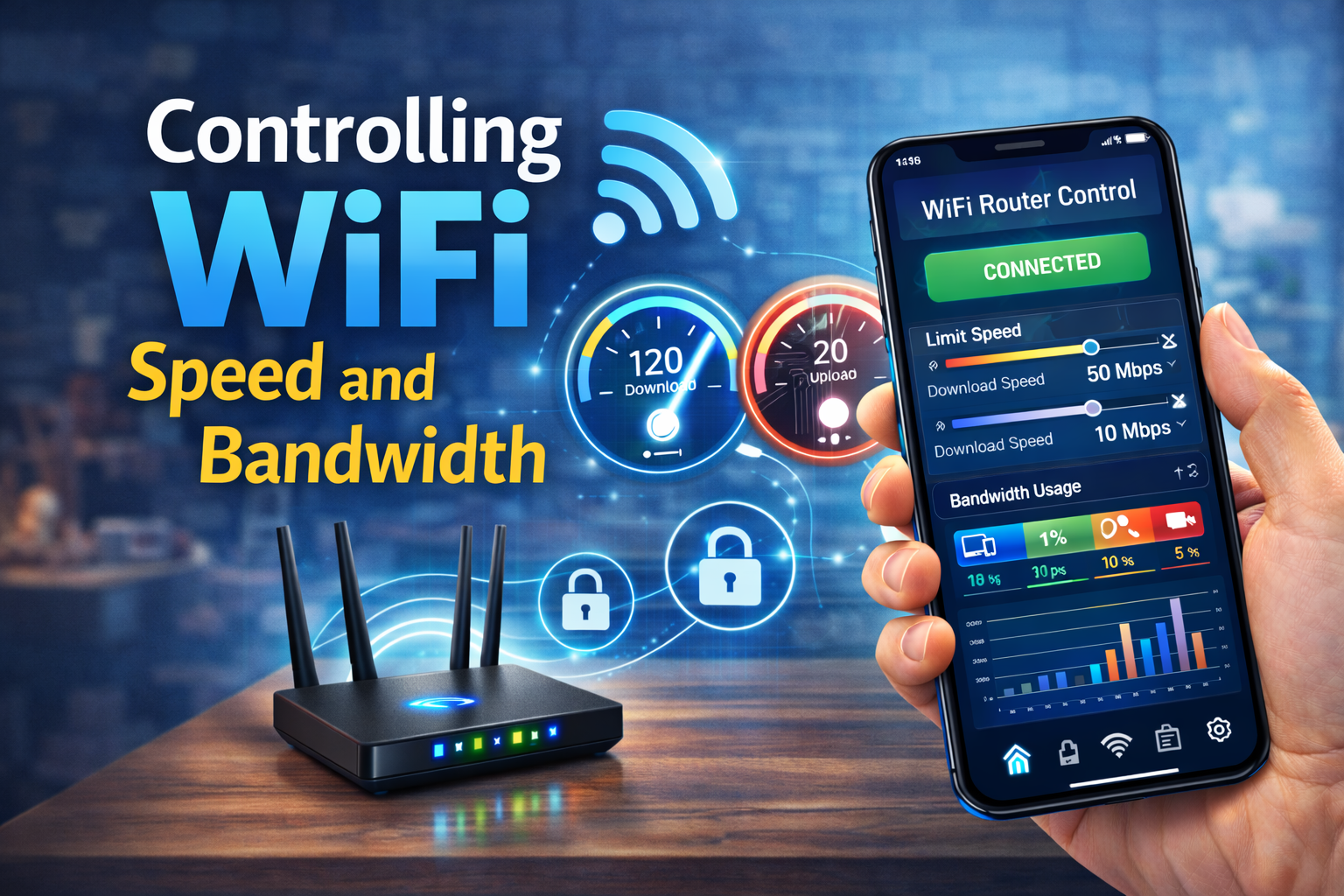
Router mobile apps help you optimize network performance by managing bandwidth effectively.
Quality of Service (QoS)
QoS settings allow you to prioritize certain devices or activities, such as video calls or online gaming, over less important tasks like background downloads.
Monitoring Data Usage
Some apps show how much data each device is using. This is helpful for identifying devices that consume excessive bandwidth and slow down your network.
Optimizing Network Performance
With performance insights provided by the app, you can make informed decisions to improve WiFi speed and stability.
Enhancing WiFi Security Using Mobile Apps
Security is a major concern for any WiFi network, and router mobile apps offer several tools to protect your connection.
Changing WiFi Passwords
You can quickly change your WiFi password directly from the app without logging into a web browser.
Creating Guest Networks
Guest networks allow visitors to access the internet without giving them access to your main network or connected devices.
Enabling Encryption and Firewalls
Most modern router apps allow you to enable WPA2 or WPA3 encryption and manage firewall settings with ease.
Security Alerts
Some apps send notifications if suspicious activity is detected, helping you respond quickly to potential threats.
Using Parental Controls
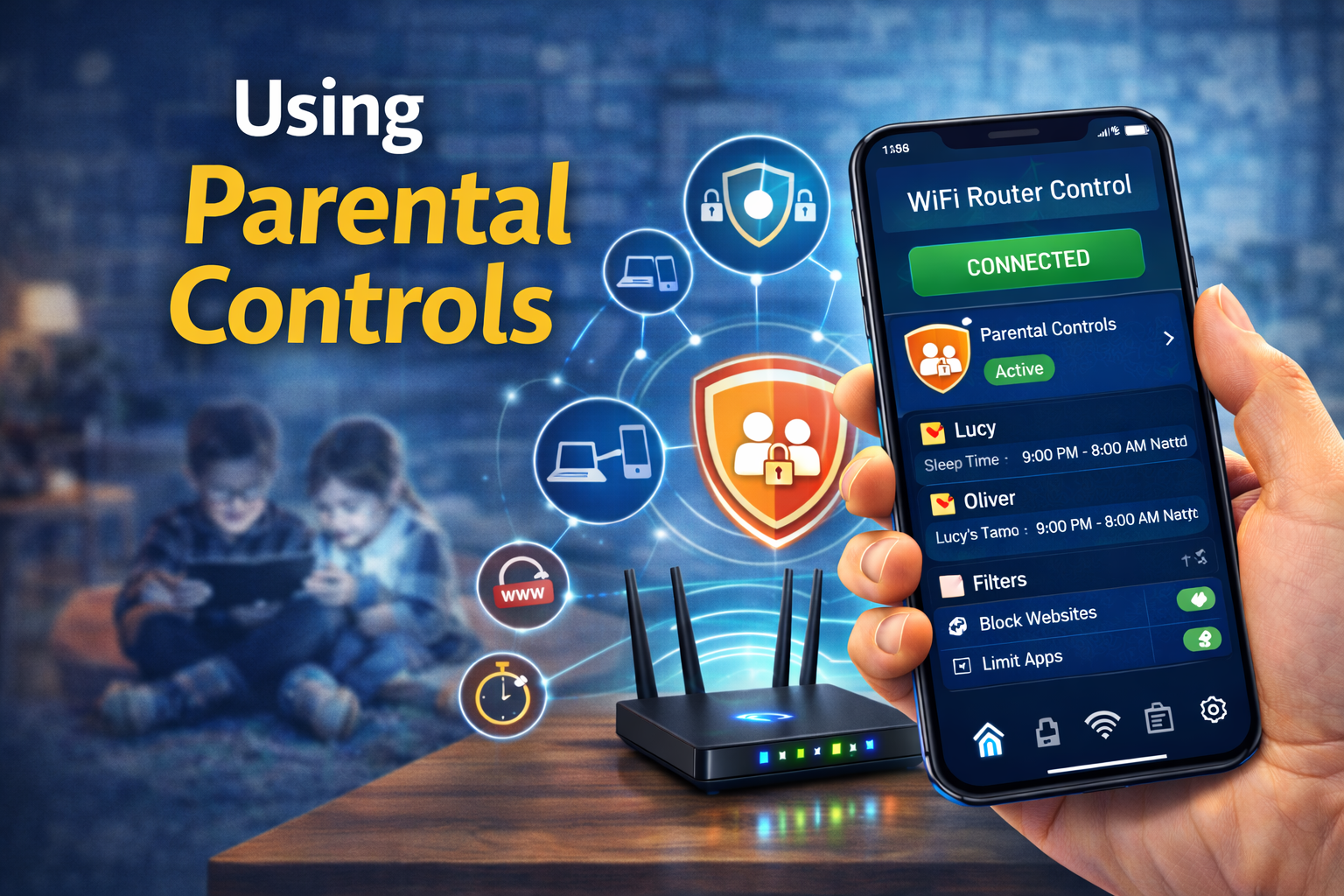
Router mobile apps are extremely helpful for parents who want to manage their children’s internet usage.
Setting Time Limits
You can schedule WiFi access times for specific devices, such as disabling internet during bedtime or study hours.
Content Filtering
Some apps offer content filtering options to block inappropriate websites and online content.
Activity Reports
Parents can review browsing activity and internet usage reports to better understand how their children use the internet.
Managing WiFi Remotely
One of the biggest advantages of router mobile apps is remote management.
Access from Anywhere
With cloud-based accounts, you can control your WiFi network even when you are not at home.
Restarting the Router
If your internet becomes slow or unresponsive, you can restart the router remotely using the app.
Troubleshooting Issues
Many apps include built-in diagnostic tools that help identify and fix common problems quickly.
Updating Router Firmware via Mobile Apps
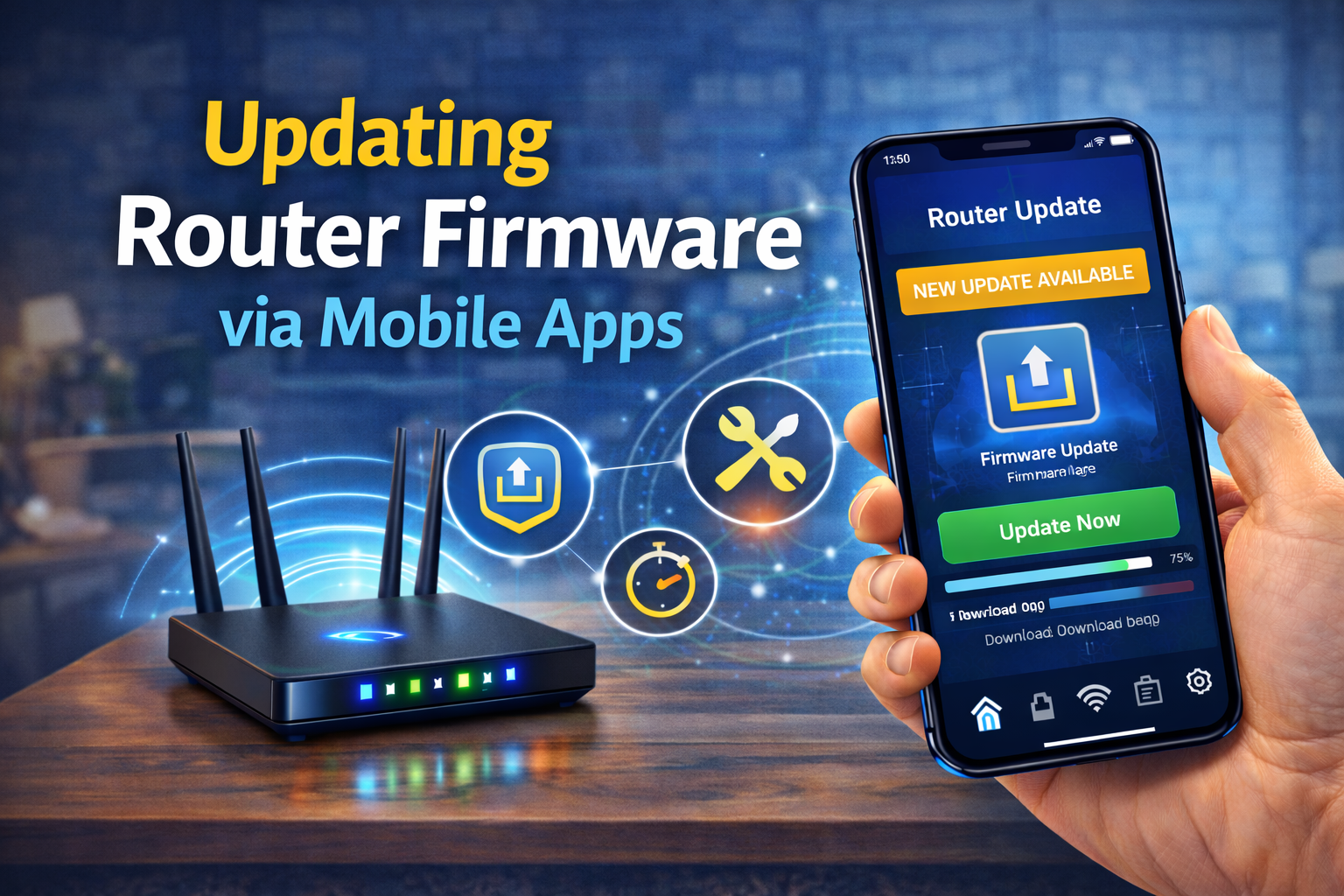
Keeping your router firmware up to date is essential for security and performance.
Checking for Updates
Router apps notify you when a new firmware update is available.
One-Tap Updates
Most apps allow you to update firmware with just one tap, eliminating the need for manual downloads.
Improved Stability and Features
Firmware updates often include bug fixes, security patches, and new features that enhance overall network performance.
Managing Mesh WiFi Systems
Router mobile apps are especially useful for mesh WiFi systems.
Monitoring Multiple Nodes
Apps display the status of each mesh node and signal strength across your home.
Optimizing Coverage
You can adjust node placement and settings to eliminate dead zones.
Seamless Roaming
Mobile apps help ensure devices switch smoothly between nodes for uninterrupted connectivity.
Common Problems and How Router Apps Help Solve Them
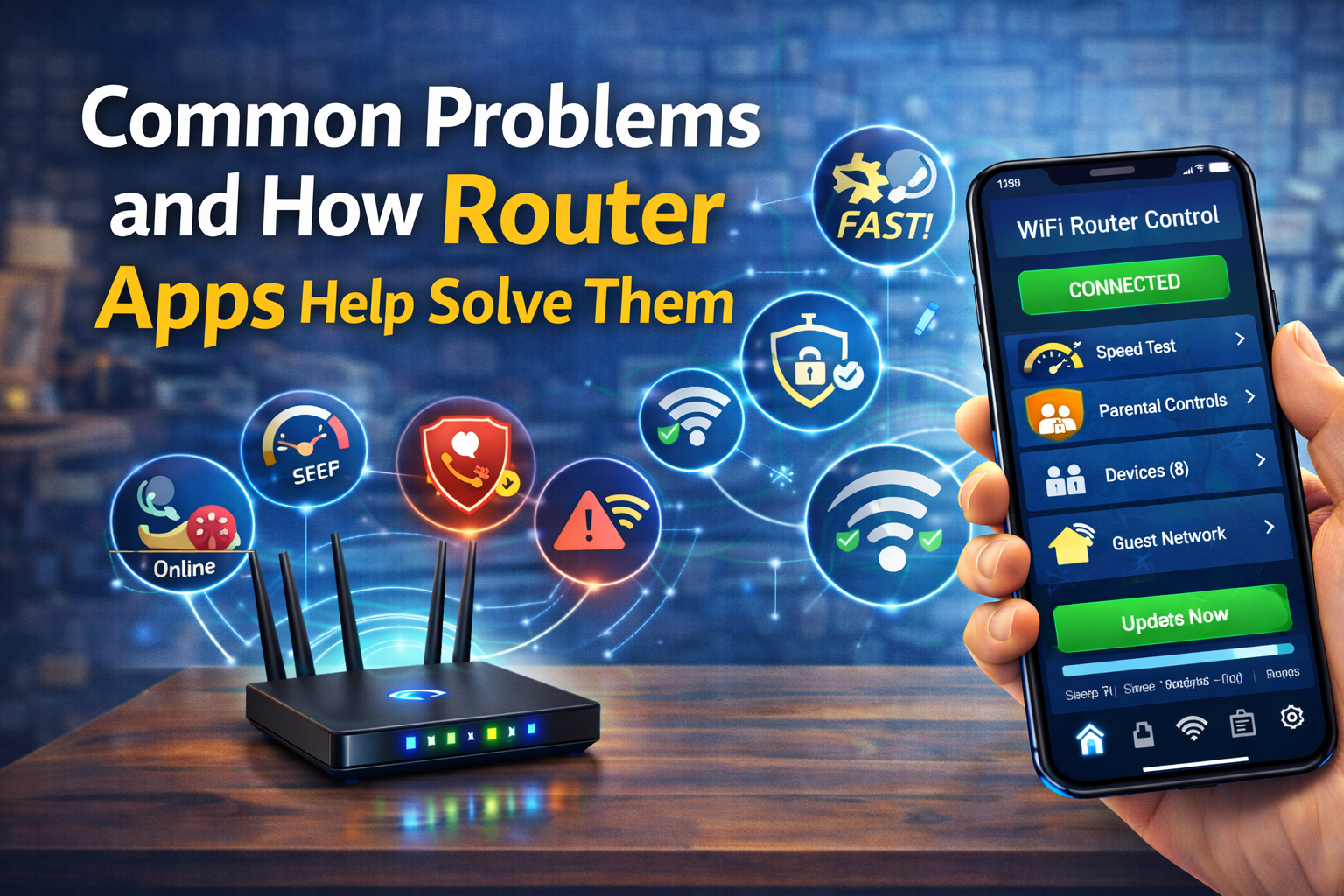
Slow WiFi Speeds
Apps help identify bandwidth-hogging devices and optimize settings.
Frequent Disconnections
You can restart the router, change channels, or adjust settings directly from the app.
Unauthorized Access
Quick device blocking and password changes improve security instantly.
Best Practices for Managing WiFi with Mobile Apps
- Always use the official router app from the manufacturer
- Enable automatic firmware updates
- Use strong, unique passwords
- Regularly check connected devices
- Enable notifications for security alerts
Conclusion
Managing WiFi using router mobile apps has transformed the way users control their home networks. These apps make WiFi management more convenient, secure, and efficient, even for users with little technical experience. From monitoring connected devices and optimizing performance to enhancing security and managing parental controls, router mobile apps provide powerful tools at your fingertips.
As WiFi technology continues to evolve, router mobile apps will play an even greater role in ensuring reliable and secure internet connectivity. By learning how to use these apps effectively, you can take full control of your WiFi network and enjoy a smoother, faster, and safer online experience.
