How to Fix Apps Not Receiving OTP Code on Mobile (Easy Guide)
Introduction
You’re trying to log in to your app, but the OTP code never arrives. Frustrating, right? You’re not alone—this is one of the most common app problems users face today.
Whether you’re verifying your account, resetting a password, or completing a transaction, OTP (One-Time Password) codes are essential. But when they don’t show up, everything comes to a halt.
In this guide, you’ll learn how to fix apps not receiving OTP code on mobile with simple, effective solutions that actually work. Let’s get you back in—fast.
Table of Contents
- What is the Problem?
- Why Does This Problem Happen?
- How to Fix Apps Not Receiving OTP Code on Mobile
- Advanced Fixes
- Prevent This Problem in the Future
- Common FAQs
- Conclusion
What is the Problem?
The issue occurs when your mobile device fails to receive an OTP (One-Time Password) sent via SMS or app notification.
Common Symptoms
- OTP message not received at all
- Delayed OTP delivery
- “Verification failed” errors
- OTP expires before arrival
- App stuck on verification screen
This problem can affect banking apps, social media apps, and login systems, making it impossible to access your account.
Why Does This Problem Happen?
There are several reasons why you might not receive OTP codes on your mobile:
1. Poor Network Connection
Weak signal or unstable mobile data can delay or block OTP messages.
2. Incorrect Phone Number
Even a small typo in your number will prevent OTP delivery.
3. SMS Blocking or Spam Filters
Your phone or carrier may block unknown or automated messages.
4. Do Not Disturb (DND) Mode
DND settings can silence or block OTP messages.
5. SIM Card Issues
Inactive or improperly inserted SIM cards can cause problems.
6. App or System Glitches
Outdated apps or OS bugs can interfere with OTP verification.
7. Carrier Restrictions
Some carriers delay or block international or automated SMS.
How to Fix Apps Not Receiving OTP Code on Mobile
Here’s what works—follow these step-by-step solutions:
1. Check Your Network Connection (Quick Fix)
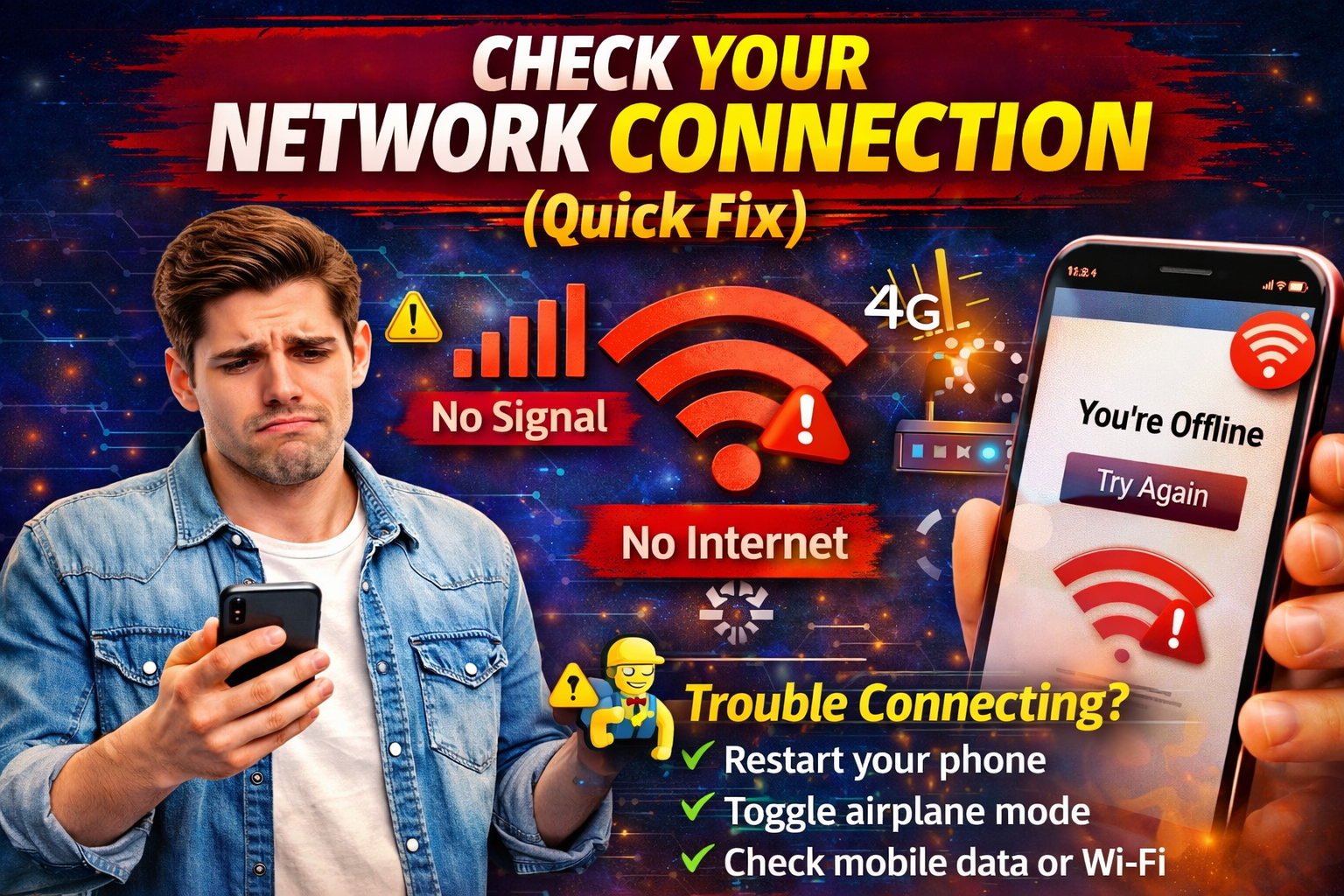
Make sure you have a strong signal.
What to do:
- Turn Airplane Mode ON, then OFF
- Switch between Wi-Fi and mobile data
- Move to an area with better signal
👉 This simple step fixes many OTP issues instantly.
2. Verify Your Phone Number
Double-check the number entered in the app.
Tips:
- Include the correct country code
- Remove extra spaces or symbols
Even a small mistake = no OTP.
3. Restart Your Device

A quick restart can fix temporary system glitches.
Steps:
- Turn off your phone
- Wait 10–15 seconds
- Turn it back on
👉 This refreshes your network and messaging system.
4. Check SMS Inbox and Spam Folder
Sometimes OTP messages are filtered.
What to check:
- Spam or blocked messages
- Archived messages
- Third-party SMS apps
5. Disable Do Not Disturb (DND)
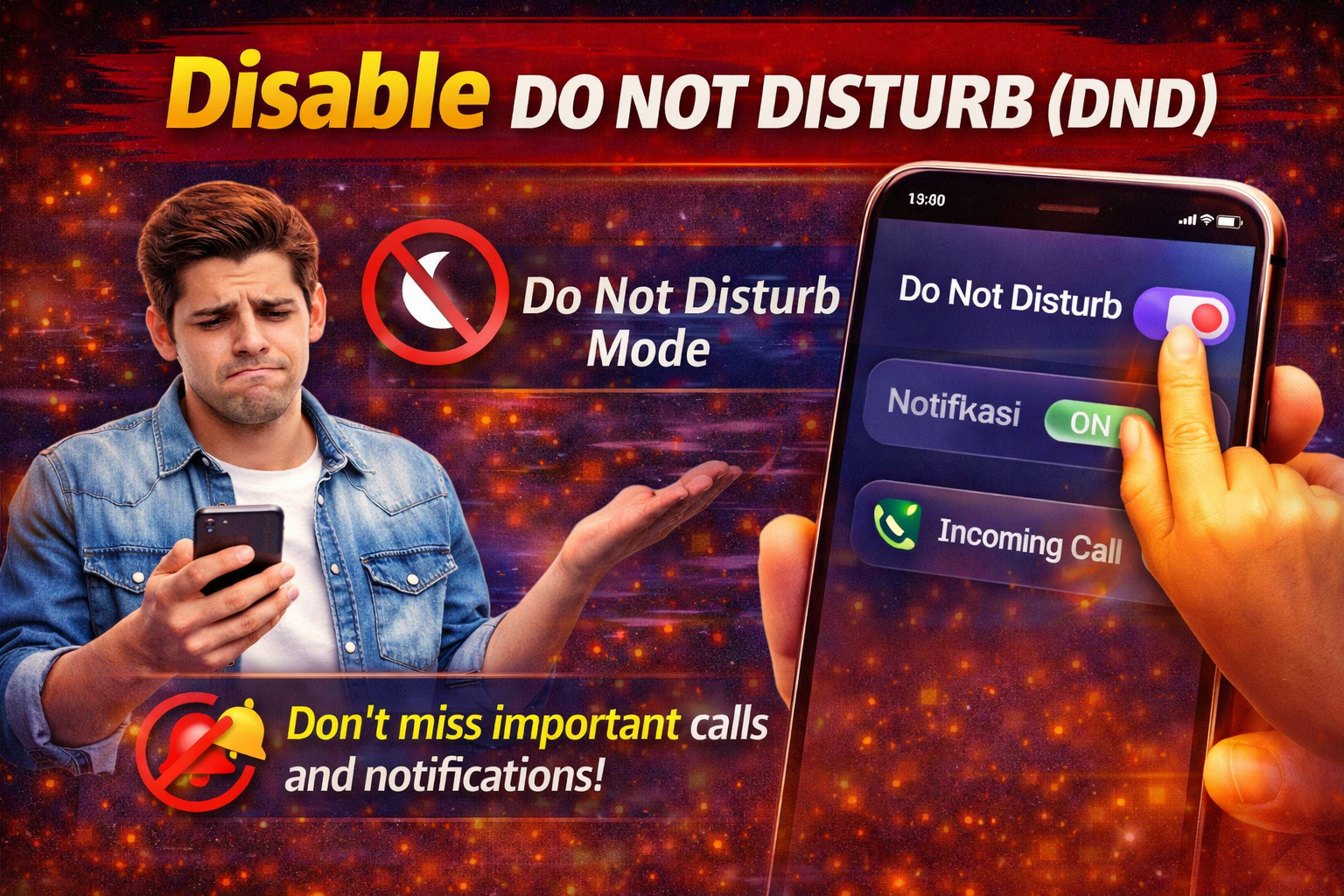
DND can block OTP messages silently.
How to fix:
- Go to Settings → Sound → Do Not Disturb
- Turn it OFF temporarily
6. Clear Messaging App Cache (Android)
If your SMS app has issues, OTP may not appear.
Steps:
- Go to Settings → Apps
- Select Messages
- Tap Storage
- Clear Cache
7. Request OTP Again (Wait First)
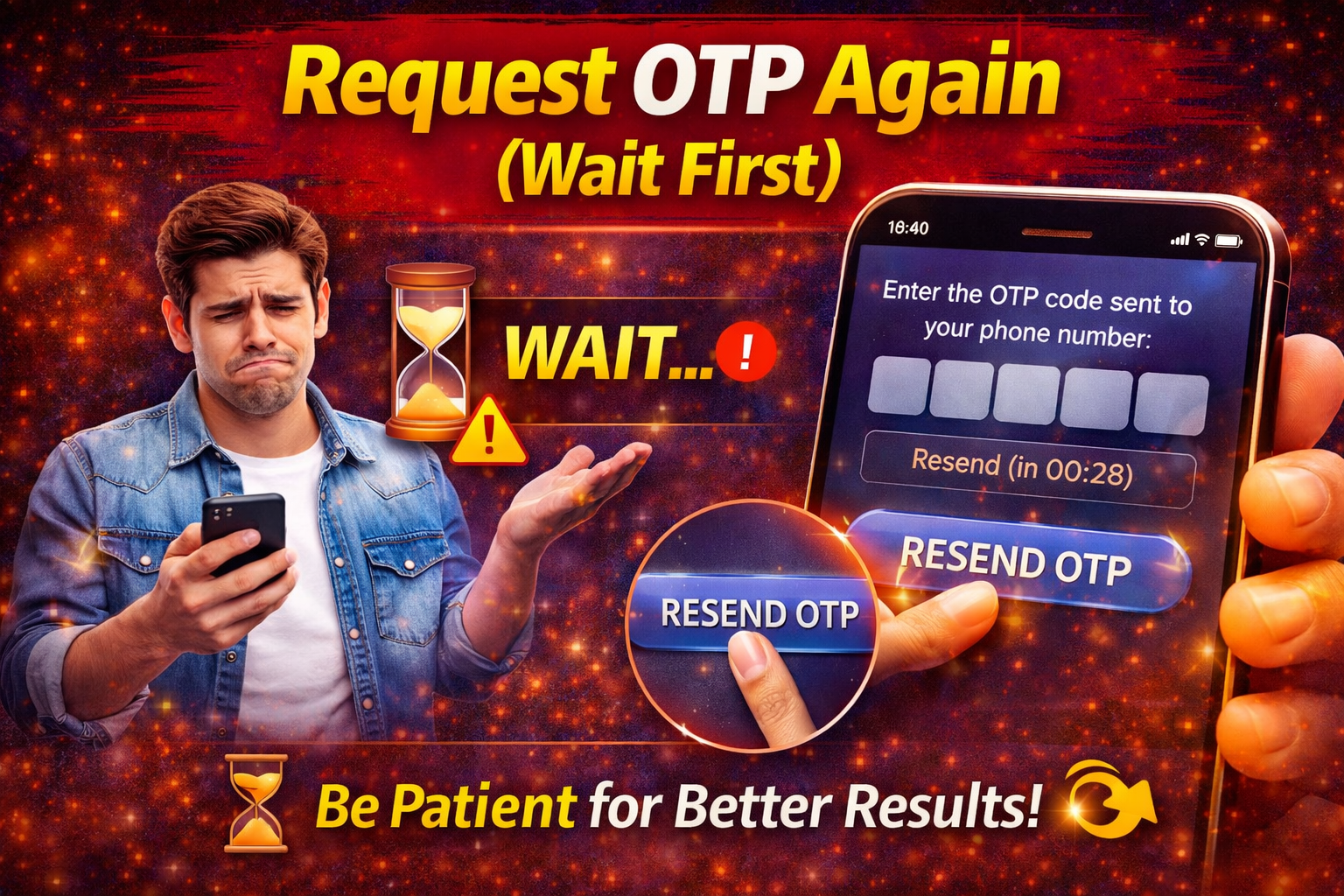
Avoid requesting OTP too quickly.
Best practice:
- Wait 30–60 seconds before retrying
- Too many requests may block delivery
8. Contact Your Mobile Carrier
If nothing works, the issue may be from your network provider.
Ask them:
- Is SMS blocking enabled?
- Are short codes allowed?
- Any restrictions on OTP messages?
Advanced Fixes (For Technical Users)
If basic solutions don’t work, try these:
1. Reinsert Your SIM Card
- Turn off your phone
- Remove and reinsert the SIM
- Restart your device
2. Update Your App and OS
Outdated software can cause OTP issues.
- Update your app from Play Store/App Store
- Install the latest system updates
3. Reset Network Settings
⚠️ Warning: This will remove saved Wi-Fi and Bluetooth settings.
- Go to Settings → System → Reset → Network Settings
Prevent This Problem in the Future
Here’s how to avoid OTP issues going forward:
- Keep your phone number updated in apps
- Avoid using SMS-blocking apps
- Keep your device software updated
- Ensure your SIM is active and valid
- Don’t spam OTP requests
💡 Pro Tip: Always use apps that support email or authenticator app verification as backup.
Common FAQs
1. Why am I not receiving OTP on my phone?
It could be due to network issues, incorrect number, or SMS blocking settings.
2. How long does OTP take to arrive?
Usually within a few seconds, but delays up to 1–2 minutes can happen.
3. Can DND block OTP messages?
Yes, some DND settings can block or silence OTP SMS.
4. What if OTP still doesn’t arrive?
Try restarting your phone or contact your carrier for help.
5. Can I receive OTP via email instead?
Some apps offer email OTP or authenticator apps—check your app settings.
Conclusion
Not receiving OTP codes can be incredibly frustrating, especially when you need quick access to your account. But the good news is—most OTP issues are easy to fix.
From checking your network to adjusting phone settings, these solutions cover everything you need to know about how to fix apps not receiving OTP code on mobile.
👉 Start with the quick fixes first—they work most of the time.
If this guide helped you, feel free to share it with others or explore more troubleshooting tips in our App Problems category.
