How to Fix Apps Not Available in Your Country (Easy Guide)
Introduction
You’re not alone—many users face the frustrating issue of apps not being available in their country. You search for an app everyone is talking about, only to see the dreaded message: “This app is not available in your region.”
The good news? There are simple and effective ways to solve this problem.
In this guide, you’ll learn how to fix apps not available in your country using practical, step-by-step solutions that actually work. Whether you’re on Android or iPhone, this article will help you unlock restricted apps quickly and safely.
Table of Contents
- What is the Problem?
- Why Does This Problem Happen?
- How to Fix Apps Not Available in Your Country
- Advanced Fixes (Optional)
- Prevent This Problem in the Future
- Common FAQs
- Conclusion
What is the Problem?
When an app is not available in your country, it means the app developer or platform (Google Play Store or Apple App Store) has restricted access based on your geographic location.
Common Symptoms
- You can’t find the app in the store
- You see: “This app isn’t available in your country”
- Download button is missing or disabled
- App updates are unavailable
- Certain features are blocked after installation
This issue can affect popular apps, games, streaming services, and even productivity tools.
Why Does This Problem Happen?
Understanding the cause helps you choose the right fix. Here’s what usually triggers this issue:
1. Regional Restrictions
Developers may release apps only in specific countries due to licensing or testing.
2. Legal & Licensing Issues
Streaming apps (like Netflix alternatives) often have country-based content rights.
3. App Store Settings
Your Google Play or Apple ID region determines which apps you can access.
4. Payment Method Location
Your billing address can limit access to certain apps.
5. Government Regulations
Some apps are restricted or banned in certain countries.
6. Early Access or Beta Releases
Apps may launch in limited regions before going global.
How to Fix Apps Not Available in Your Country (Step-by-Step)
Here’s what works—simple and proven methods to bypass region restrictions.
1. Use a VPN (Quick Fix)
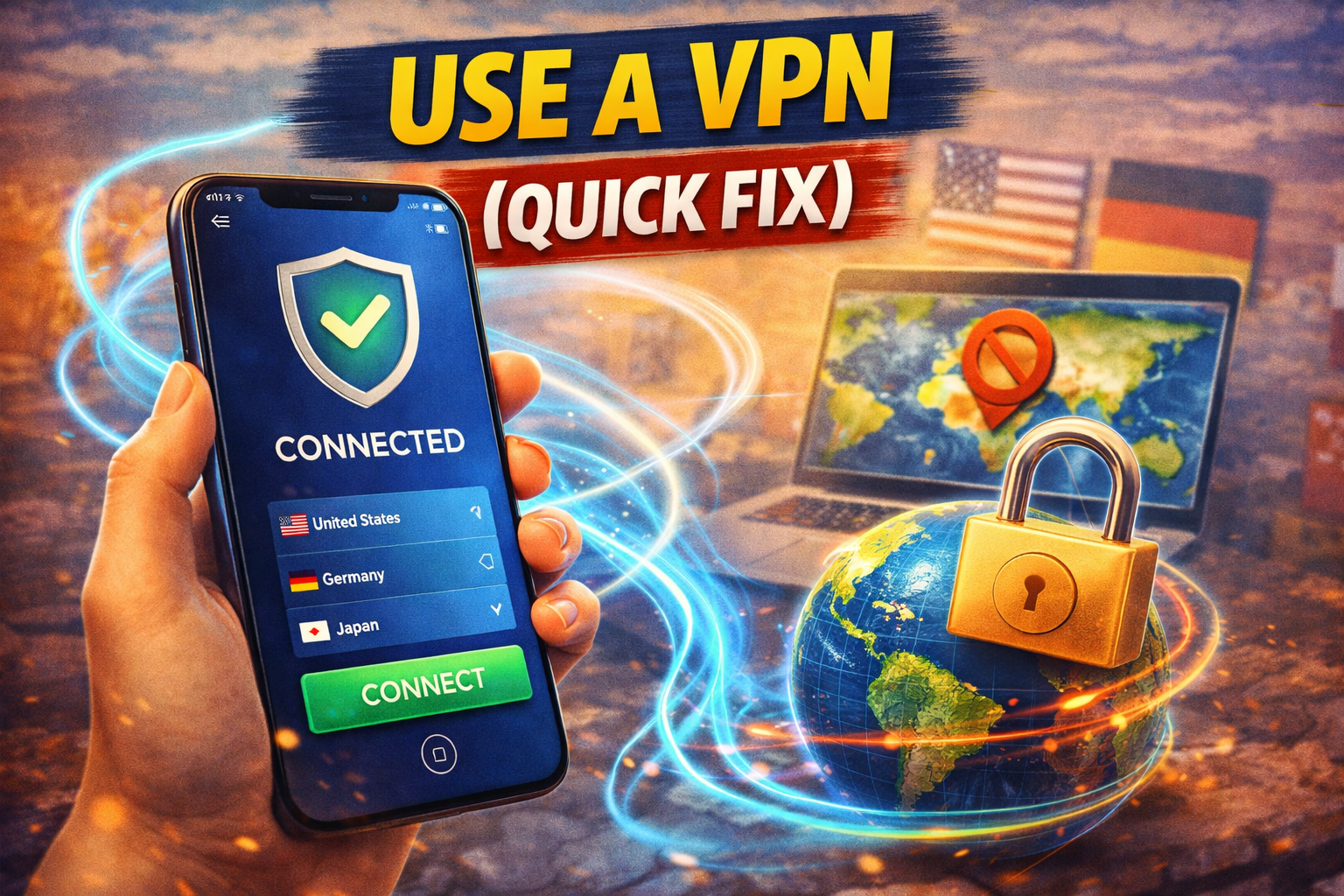
A VPN (Virtual Private Network) changes your virtual location.
Steps:
- Download a trusted VPN app
- Connect to a country where the app is available
- Open your app store again
- Search for the app
✅ Pro Tip: Clear your app store cache after connecting to VPN for better results.
2. Change Your App Store Country
This is one of the most effective long-term solutions.
For Android (Google Play Store):
- Open Google Play Store
- Go to Settings > General > Account and device preferences
- Select a new country
- Add a payment method from that country
For iPhone (App Store):
- Go to Settings > Apple ID > Media & Purchases
- Tap View Account > Country/Region
- Change to a supported country
- Agree to terms and enter billing info
⚠️ Warning: You may lose access to some local apps after switching regions.
3. Download APK Files (Android Only)
If the app isn’t in the Play Store, you can install it manually.
Steps:
- Visit trusted APK sites (e.g., APKMirror)
- Download the app file
- Enable Install from Unknown Sources
- Install the APK
⚠️ Be careful: Only download from trusted sources to avoid malware.
4. Create a New Account in Another Country
Sometimes it’s easier to start fresh.
Steps:
- Create a new Google or Apple ID
- Set the country to your desired region
- Log in using the new account
- Access the app store and download the app
✅ Here’s what works: This method avoids conflicts with your main account.
5. Clear App Store Cache & Data
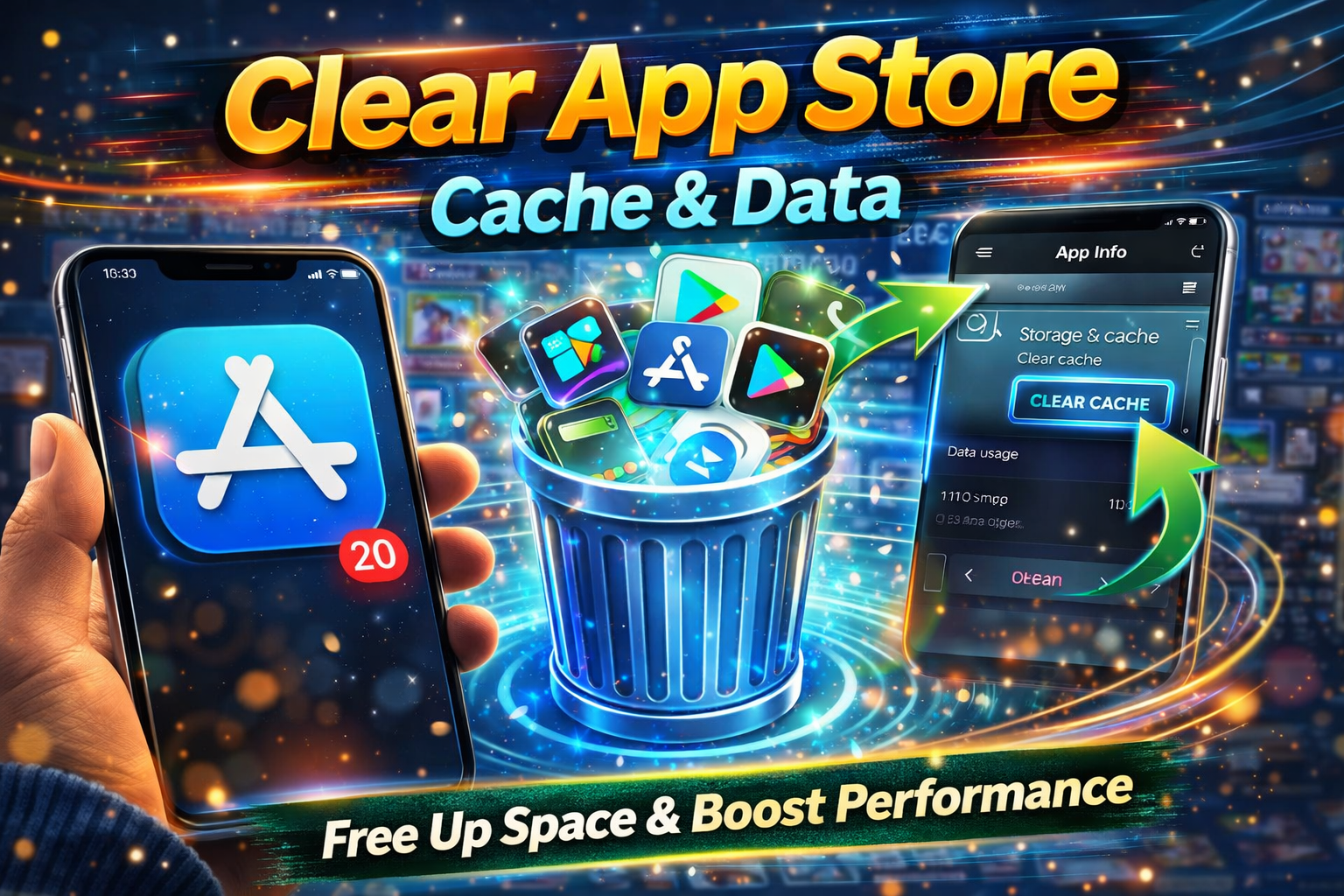
Sometimes your store just needs a refresh.
Steps (Android):
- Go to Settings > Apps > Google Play Store
- Tap Storage
- Select Clear Cache & Clear Data
Then reopen the store with VPN enabled.
6. Use Third-Party App Stores
Alternative app stores may host region-locked apps.
Examples:
- APKPure
- Aptoide
- Amazon Appstore
⚠️ Use caution and verify app authenticity.
7. Wait for Official Release
If the app is in early rollout, it may arrive soon.
📌 Tip: Check the developer’s website or social media for release updates.
Advanced Fixes (Optional)
For more technical users:
1. Use DNS Services
Smart DNS tools can bypass region restrictions without a full VPN.
2. Root or Jailbreak Your Device
This allows deeper control but comes with risks:
- Voids warranty
- Security vulnerabilities
3. Emulators (PC Option)
Run Android emulators (like BlueStacks) and set a different region.
Prevent This Problem in the Future
Avoid dealing with this issue again by following these tips:
- 🌍 Set your account region carefully from the start
- 🔄 Keep your app store updated
- 🧠 Use a secondary account for international apps
- 🔐 Avoid switching regions frequently
- 📡 Stay updated on app release announcements
Common FAQs
1. Is it legal to use a VPN for app downloads?
Yes, in most countries. However, always check local laws and app terms of service.
2. Why can’t I change my App Store country?
You may have:
- Active subscriptions
- Remaining store balance
- Family sharing enabled
Cancel these first before switching.
3. Are APK files safe?
They can be safe if downloaded from trusted sources. Avoid unknown websites.
4. Will apps work after installing from another country?
Most will, but some features (like payments or content) may still be restricted.
5. Can I switch back to my original country later?
Yes, but some apps or purchases may not transfer.
Conclusion
Dealing with apps not available in your country can be frustrating—but it’s far from impossible to fix.
From using a VPN (quick fix) to changing your app store region or downloading APK files, there are multiple ways to access the apps you need.
👉 Here’s what works best: Start with a VPN, then consider switching your store region for a permanent solution.
If this guide helped you, feel free to share it with others facing the same issue. And don’t forget to explore more app problem solutions to keep your device running smoothly! 🚀
