How to Fix Apps Not Logging In with Facebook (Easy Guide)
Introduction
You’re trying to log into your favorite app using Facebook—but it just won’t work. Maybe it keeps loading, shows an error, or redirects you back without logging in. Frustrating, right?
You’re not alone. Many users face this issue daily across games, social apps, and services that rely on Facebook login.
In this guide, we’ll show you how to fix apps not logging in with Facebook account using simple, effective solutions. Whether you’re on Android or iPhone, these steps will help you get back in quickly.
Table of Contents
- What is the Problem?
- Why Does This Problem Happen?
- How to Fix Apps Not Logging In with Facebook (Step-by-Step)
- Advanced Fixes
- Prevent This Problem in the Future
- Common FAQs
- Conclusion
What is the Problem?
The issue occurs when an app fails to log you in using your Facebook account, even though your credentials are correct.
Common Symptoms:
- Facebook login button not working
- App keeps redirecting without logging in
- “Login failed” or “Authorization error” message
- Blank screen after tapping Facebook login
- App crashes during login
This problem can happen on both Android and iOS devices and may affect multiple apps.
Why Does This Problem Happen?
There are several reasons why apps fail to log in with Facebook. These include both technical and user-related issues.
Common Causes:
- Outdated Facebook app or browser
- Poor or unstable internet connection
- App permissions not granted
- Facebook account security restrictions
- Cache or data corruption
- Incorrect date and time settings
- App bugs or server issues
- Facebook login session expired
Understanding the cause helps you apply the right fix quickly.
How to Fix Apps Not Logging In with Facebook (Step-by-Step)
Here’s what works. Follow these proven solutions step by step.
1. Check Your Internet Connection (Quick Fix)
A weak or unstable connection can prevent Facebook login.
What to do:
- Switch between Wi-Fi and mobile data
- Restart your router
- Turn airplane mode ON/OFF
👉 Pro Tip: Try opening Facebook directly to confirm your connection works.
2. Update the Facebook App
An outdated Facebook app often causes login issues.
Steps:
- Open Google Play Store or App Store
- Search for Facebook
- Tap Update
👉 This ensures compatibility with third-party apps.
3. Update the Problematic App
Sometimes the issue is with the app itself.
Steps:
- Go to your app store
- Update the app you’re trying to log into
👉 Developers frequently fix login bugs in updates.
4. Clear App Cache and Data (Android)
Corrupted cache can block login requests.
Steps:
- Go to Settings > Apps
- Select the app
- Tap Storage
- Tap Clear Cache and Clear Data
👉 Warning: This may log you out of the app.
5. Check Facebook Permissions
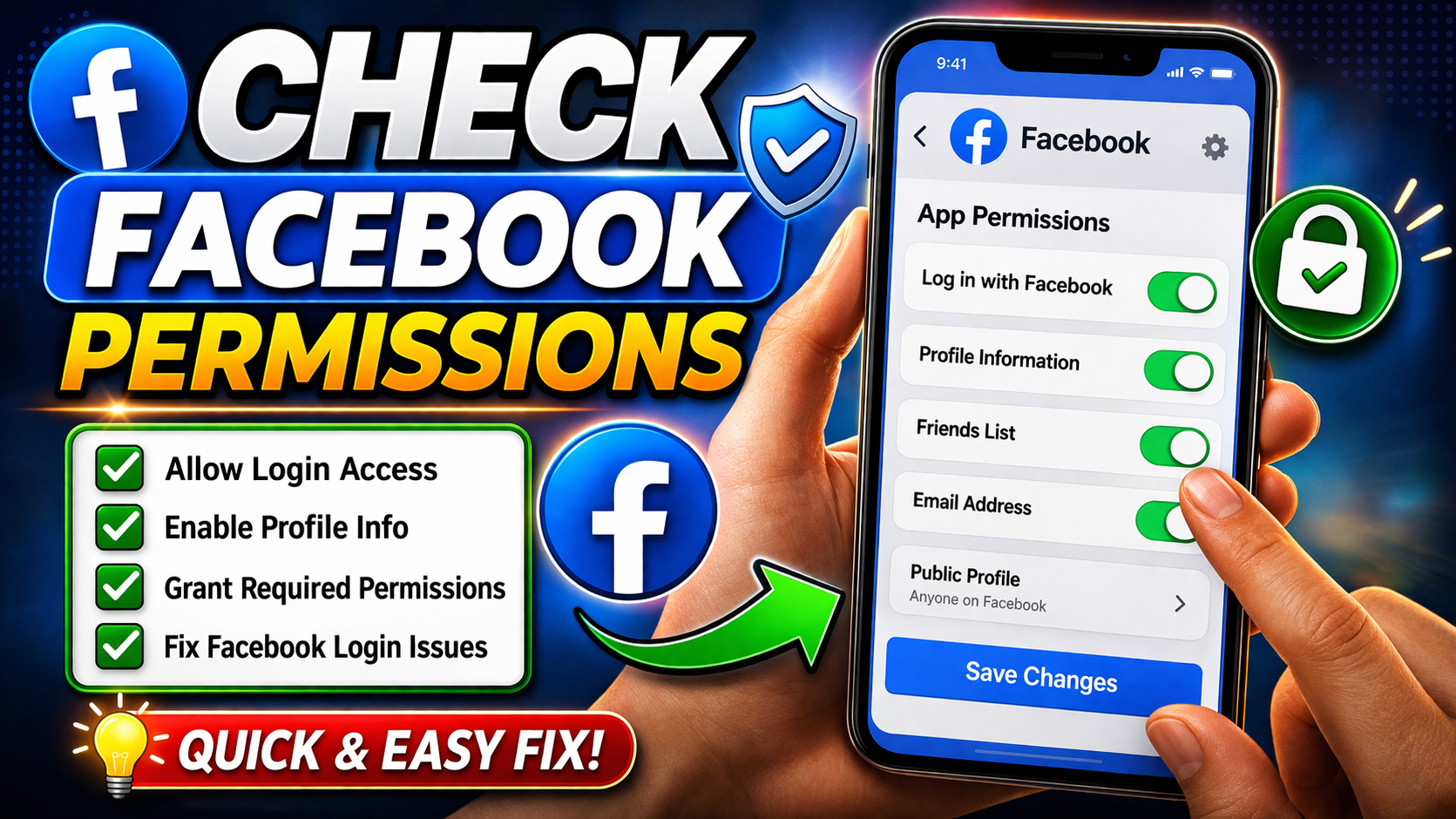
Apps need permission to access your Facebook account.
Steps:
- Open Facebook app
- Go to Settings & Privacy > Settings
- Tap Apps and Websites
- Ensure the app is active and allowed
👉 Revoke and reconnect if needed.
6. Log Out and Log Back into Facebook
Refreshing your session can fix authentication issues.
Steps:
- Log out of Facebook
- Restart your phone
- Log back in
👉 This resets your login session.
7. Use Browser Login Instead
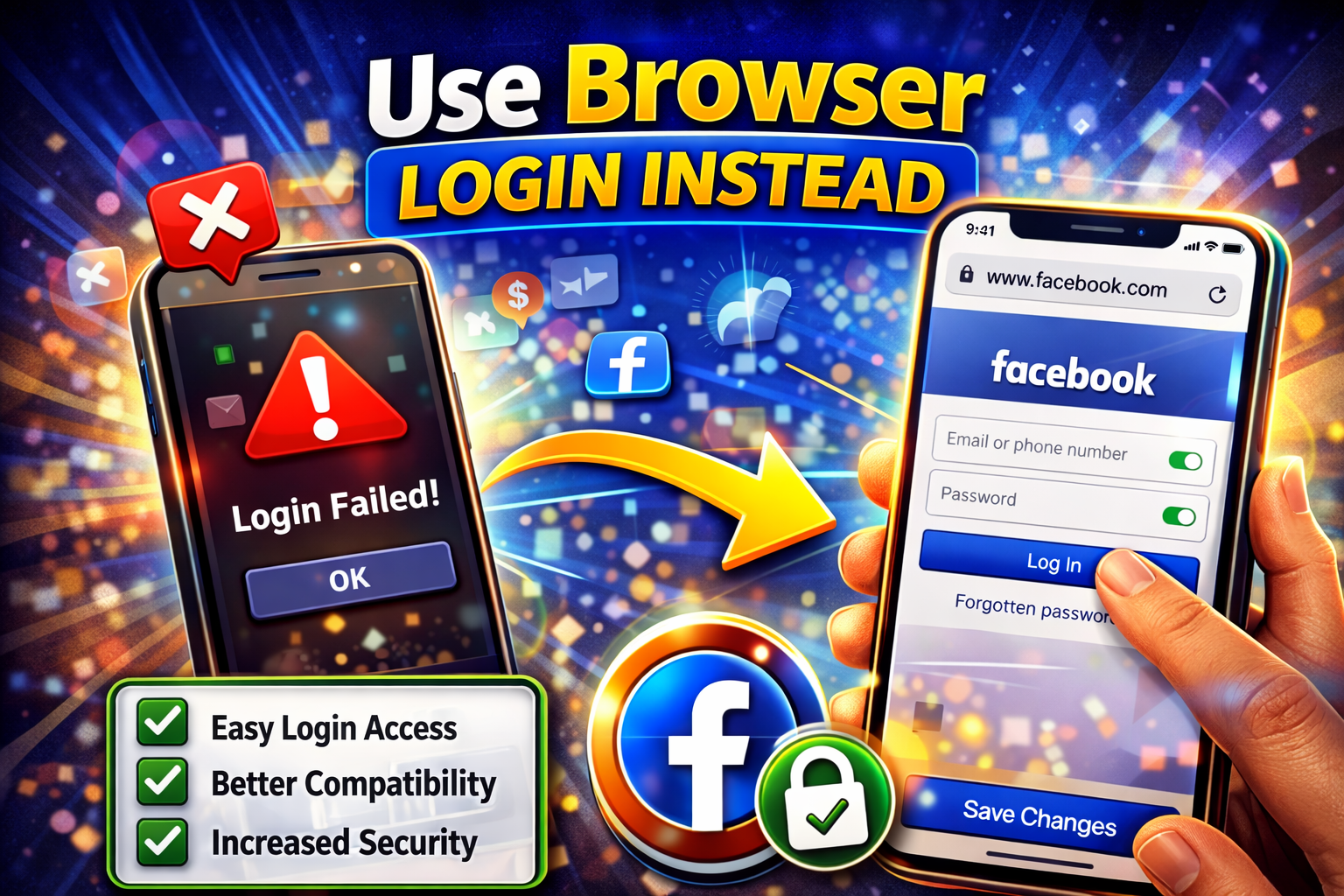
Some apps allow login via browser instead of the Facebook app.
What to do:
- Tap “Continue with Facebook”
- Choose browser login if available
👉 This bypasses app-related issues.
8. Restart Your Device
Simple, but effective.
Steps:
- Turn off your phone
- Wait 10–15 seconds
- Turn it back on
👉 This clears temporary glitches.
Advanced Fixes (For Technical Users)
If basic fixes don’t work, try these:
1. Reset Network Settings
Network misconfiguration can block login requests.
Steps:
- Go to Settings > General Management > Reset
- Tap Reset Network Settings
👉 You’ll need to reconnect to Wi-Fi afterward.
2. Check Date and Time Settings
Incorrect time can cause authentication errors.
Steps:
- Enable Automatic Date & Time in settings
👉 Facebook login depends on accurate time syncing.
3. Reinstall Facebook App
A fresh install removes hidden bugs.
Steps:
- Uninstall Facebook
- Restart your device
- Reinstall from app store
4. Disable VPN or Proxy
VPNs can interfere with Facebook authentication.
What to do:
- Turn off VPN
- Try logging in again
👉 Many login systems block suspicious IP addresses.
Prevent This Problem in the Future
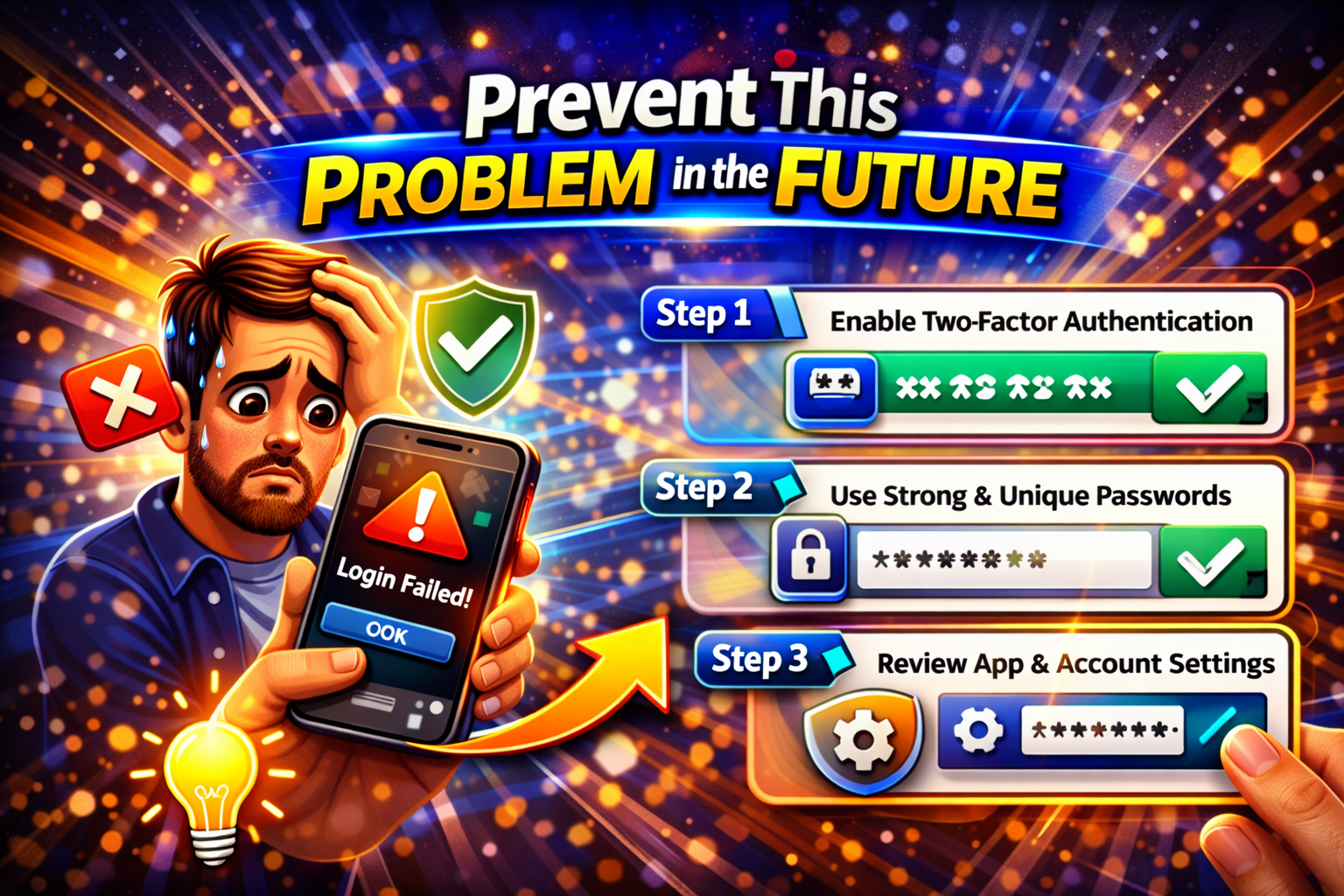
Here’s how to avoid Facebook login issues going forward:
- ✅ Keep apps updated regularly
- ✅ Use a stable internet connection
- ✅ Avoid using multiple VPNs
- ✅ Don’t revoke app permissions accidentally
- ✅ Clear cache periodically
- ✅ Keep your Facebook account secure and active
👉 Pro Insight: Linking your account with email as backup can save you from login issues.
Common FAQs
1. Why can’t I log into apps with Facebook anymore?
This usually happens due to outdated apps, permission issues, or network problems. Updating apps and checking permissions often fixes it.
2. Is Facebook login safe for apps?
Yes, but only for trusted apps. Always review permissions before allowing access.
3. What if Facebook login keeps loading?
Try switching networks, clearing cache, or restarting your device. These fixes usually solve loading issues.
4. Can I log in without Facebook?
Yes, many apps offer email or Google login alternatives.
5. Why does Facebook say “authorization failed”?
This can be caused by incorrect permissions, expired sessions, or server issues.
Conclusion
Dealing with login issues can be annoying—but the good news is that most problems are easy to fix.
In this guide, we covered how to fix apps not logging in with Facebook account using simple, practical solutions—from checking your internet connection to updating apps and resetting settings.
👉 Start with the Quick Fixes, then move to advanced steps if needed.
If this guide helped you, feel free to share it with others—or explore more troubleshooting tips to keep your apps running smoothly.
